

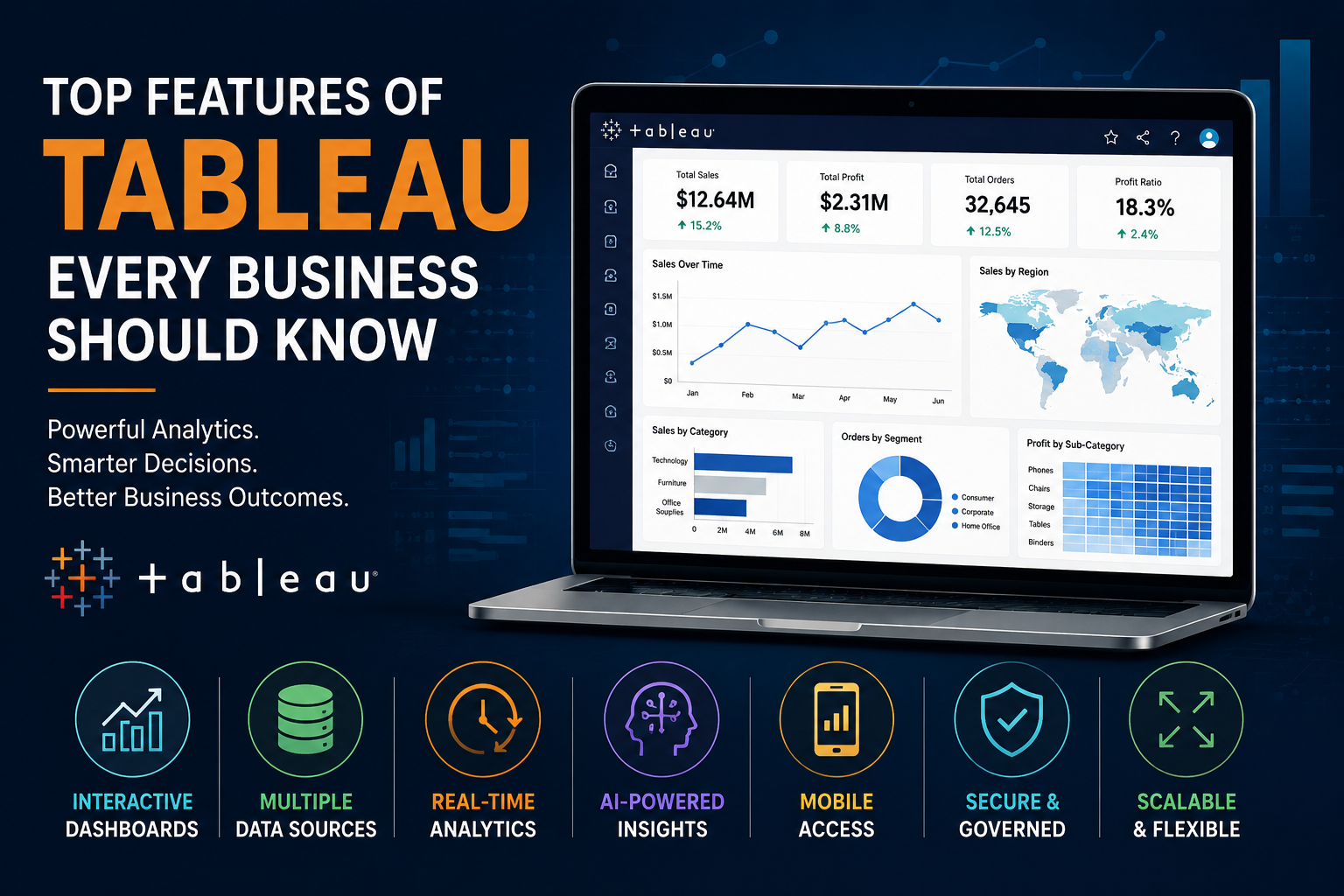
In today’s competitive business environment, organizations generate enormous volumes of data every day. However, raw data alone does not drive growth. Businesses need tools that can transform complex datasets into meaningful insights that support faster and smarter decision-making. This is where Tableau has become one of the most trusted business intelligence platforms worldwide.
Tableau is widely recognized for its powerful visualization capabilities, interactive dashboards, and user-friendly analytics environment. From startups to multinational enterprises, businesses across industries rely on Tableau to simplify reporting, identify trends, and improve operational efficiency.
But what exactly makes Tableau so powerful? Why do organizations continue investing in Tableau for analytics and reporting?
In this blog, we will explore the top features of Tableau every business should know and how these capabilities help organizations turn data into actionable business intelligence.
1. Interactive and Dynamic Dashboards
One of Tableau’s strongest features is its ability to create highly interactive dashboards. Unlike static reports that only display fixed information, Tableau dashboards allow users to interact with data in real time.
Businesses can:
- Apply filters instantly
- Drill down into detailed metrics
- Compare KPIs across departments
- Explore trends dynamically
- Analyze data from multiple perspectives
This interactivity helps decision-makers uncover deeper insights without requiring technical expertise or manual report generation.
For example, a sales manager can instantly analyze regional sales performance, identify underperforming products, and monitor revenue trends from a single dashboard.
Interactive dashboards significantly improve:
- Data accessibility
- Decision-making speed
- Executive reporting
- Operational visibility
2. Drag-and-Drop User Interface
Tableau is known for its intuitive drag-and-drop interface, making it easier for both technical and non-technical users to create visualizations.
Instead of writing complex code, users can simply drag fields into rows, columns, filters, or charts to build reports quickly.
This feature reduces dependency on IT teams and empowers business users to:
- Build their own dashboards
- Customize reports
- Explore datasets independently
- Perform self-service analytics
The simplicity of Tableau’s interface accelerates analytics adoption across organizations and improves overall productivity.
3. Powerful Data Visualization Capabilities
Data visualization is the core strength of Tableau. The platform supports a wide range of charts, graphs, and visual elements that help businesses present complex information clearly.
Some popular visualization types include:
- Bar charts
- Line charts
- Heat maps
- Tree maps
- Scatter plots
- Geographic maps
- KPI scorecards
- Bubble charts
These visuals allow businesses to identify patterns, correlations, and anomalies much faster compared to traditional spreadsheets.
Well-designed visualizations also improve communication between teams by making data easier to understand for executives, managers, and stakeholders.
4. Real-Time Data Analytics
Modern businesses require real-time insights to respond quickly to changing market conditions. Tableau supports live data connections that allow dashboards to refresh automatically as data changes.
This means organizations can monitor:
- Sales performance
- Website traffic
- Customer behavior
- Financial metrics
- Operational KPIs
- Inventory levels
in real time.
Real-time analytics helps businesses:
- React faster to problems
- Improve operational efficiency
- Reduce reporting delays
- Make proactive decisions
For industries like retail, finance, healthcare, and logistics, real-time reporting can significantly improve business outcomes.
5. Integration with Multiple Data Sources
Another major advantage of Tableau is its ability to connect with a wide variety of data sources.
Businesses often store data across multiple systems such as:
- SQL databases
- Cloud platforms
- Excel files
- CRM software
- ERP systems
- Google Analytics
- Salesforce
- Azure
- AWS
- Snowflake
Tableau can integrate with all these sources and consolidate information into a unified reporting environment.
This eliminates data silos and provides organizations with a centralized view of business performance.
6. Advanced Analytics and Forecasting
Tableau goes beyond basic reporting by offering advanced analytics features that help businesses predict future trends.
Users can perform:
- Forecasting
- Trend analysis
- Statistical modeling
- Predictive analytics
- Scenario analysis
These capabilities help organizations make data-driven strategic decisions instead of relying on assumptions.
For example:
- Retail companies can forecast product demand
- Finance teams can predict revenue growth
- HR departments can analyze employee turnover trends
Advanced analytics allows businesses to move from reactive reporting to proactive planning.
7. Mobile-Friendly Dashboards
In today’s remote and fast-paced work environment, accessibility is essential. Tableau dashboards are optimized for mobile devices, enabling users to access reports anytime and anywhere.
Executives and managers can monitor business performance directly from smartphones or tablets without needing desktop access.
Mobile analytics improves:
- Business agility
- Faster approvals
- On-the-go reporting
- Executive decision-making
This flexibility is especially valuable for leadership teams that require instant access to KPIs during meetings, travel, or client discussions.
8. AI-Powered Insights and Smart Analytics
Tableau continues evolving with AI-powered analytics features that help users discover insights automatically.
Features like:
- Explain Data
- Ask Data
- Smart recommendations
allow users to ask questions in natural language and receive instant visual insights.
AI-driven analytics simplifies complex analysis and enables faster exploration of datasets without deep technical expertise.
As businesses increasingly adopt AI-driven decision-making, these intelligent capabilities provide a significant competitive advantage.
9. Strong Security and Data Governance
Data security is a major concern for organizations handling sensitive information. Tableau provides robust security and governance features to protect enterprise data.
Businesses can implement:
- Role-based access control
- User permissions
- Data encryption
- Secure authentication
- Governance policies
These features ensure that the right users access the right data while maintaining compliance and security standards.
For enterprise organizations, governance is critical to maintaining data accuracy, consistency, and trust.
10. Scalability for Growing Businesses
As organizations grow, their data requirements also increase. Tableau is highly scalable and capable of handling large datasets and enterprise-level reporting demands.
Whether a company has:
- Hundreds of users
- Millions of records
- Multiple departments
- Global operations
Tableau can scale efficiently to support expanding analytics needs.
This scalability makes Tableau suitable for:
- Startups
- Mid-sized businesses
- Large enterprises
without requiring major infrastructure changes.
Why Businesses Prefer Tableau for Analytics
Businesses choose Tableau because it combines:
- Ease of use
- Advanced analytics
- Powerful visualizations
- Enterprise scalability
- Real-time reporting
- AI-driven insights
into a single analytics platform.
The platform enables organizations to democratize data access, improve collaboration, and build a stronger data-driven culture.
Instead of relying on manual spreadsheets and static reports, businesses can use Tableau to gain deeper visibility into operations and make faster strategic decisions.
What Businesses Should Know
Data is one of the most valuable assets for modern businesses, but its real value depends on how effectively organizations can analyze and interpret it. Tableau helps bridge this gap by transforming raw data into interactive, insightful, and actionable visualizations.
From real-time analytics and AI-powered insights to advanced forecasting and mobile dashboards, Tableau offers a comprehensive analytics ecosystem that supports smarter business decisions.
As companies continue investing in digital transformation and business intelligence, understanding the top features of Tableau becomes essential for building efficient and scalable analytics workflows.
Organizations that leverage Tableau effectively can improve operational performance, identify growth opportunities, and stay ahead in an increasingly data-driven marketplace.