

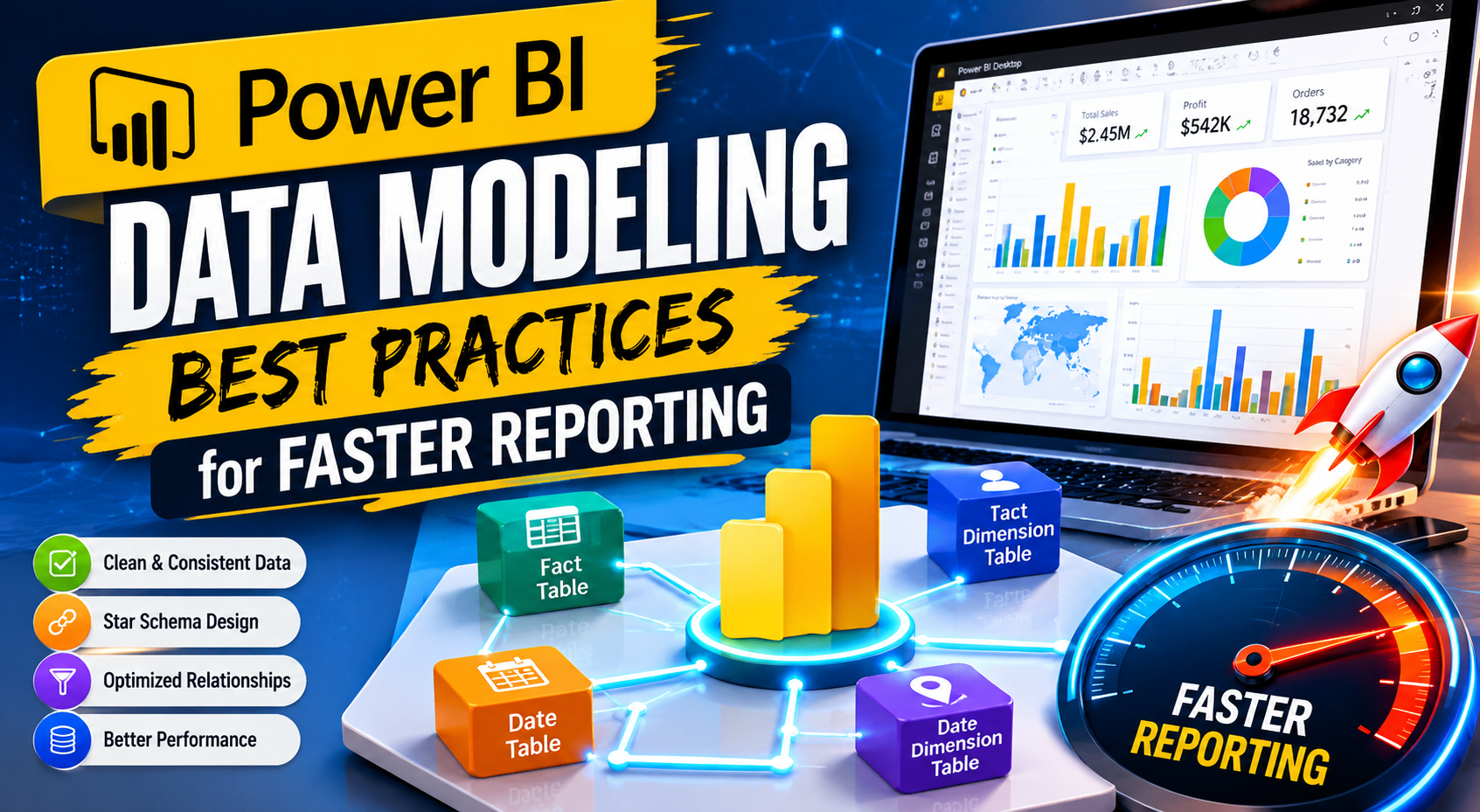
As businesses continue generating larger volumes of data from cloud platforms, CRMs, ERP systems, e-commerce applications, marketing tools, and operational databases, the importance of efficient business intelligence architecture has grown significantly. While dashboards and reports are often the visible side of analytics, the true foundation of a successful reporting environment lies in the data model behind it.
In Microsoft Power BI, data modeling directly impacts:
- Dashboard performance
- Query speed
- Report scalability
- Data accuracy
- User experience
- Long-term maintenance
Many organizations invest heavily in dashboard design and visualization but overlook the structure of their datasets. As a result, they experience slow reports, refresh failures, incorrect calculations, and reporting complexity that becomes difficult to manage over time.
A well-designed Power BI data model creates a scalable analytics environment that supports faster reporting, cleaner calculations, and better business intelligence workflows.
At KnexBI, businesses increasingly optimize Power BI data models to improve performance, simplify enterprise reporting, and support real-time analytics environments.
In this guide, we’ll explore the most important Power BI data modeling best practices for 2026, including schema design, DAX optimization, relationship management, data transformation strategies, and enterprise scalability techniques.
What is Data Modeling in Power BI?
Data modeling in Power BI refers to the process of organizing and structuring datasets so that reports and dashboards can perform efficiently and deliver accurate insights.
A Power BI data model typically includes:
- Fact tables
- Dimension tables
- Relationships
- Measures
- Calculated columns
- Hierarchies
- KPIs
The purpose of data modeling is not just to connect tables, but to create a logical architecture that supports analytics at scale. A strong data model helps businesses:
- Reduce dashboard load times
- Improve report responsiveness
- Simplify calculations
- Maintain data consistency
- Support advanced analytics
Without proper modeling, even small datasets can become difficult to manage.
Why Data Modeling Matters in Power BI
Many reporting performance issues originate from poor data modeling rather than visualization design. For example:
- A dashboard may load slowly because of inefficient relationships.
- Incorrect KPIs may result from bad table structures.
- Large datasets may consume excessive memory because of unnecessary columns.
- Complex DAX formulas may exist because the underlying model is poorly organized.
Power BI uses an in-memory analytics engine called VertiPaq. Efficient data modeling helps VertiPaq compress and process data more effectively, which directly improves dashboard speed and scalability.
A properly optimized model can:
- Reduce report refresh times
- Improve calculation efficiency
- Lower memory consumption
- Support enterprise-scale analytics
- Simplify future maintenance
Understanding Fact and Dimension Tables
One of the most important concepts in Power BI data modeling is separating data into fact and dimension tables.
Fact Tables
Fact tables store measurable business events or transactions. Examples include sales transactions, revenue records, website sessions, orders, and inventory movements. They are typically large and contain numeric metrics used for analysis.
Example columns:
- Sales Amount
- Quantity
- Profit
- Transaction ID
- Order Date
Dimension Tables
Dimension tables provide descriptive context around facts. Examples include Customer, Product, Region, Employee, and Date. They help users slice and filter data meaningfully.
For example, a sales fact table may connect to a product dimension, customer dimension, geography dimension, and calendar dimension. Separating data into fact and dimension structures improves both reporting performance and analytical clarity.
Use a Star Schema Structure
The star schema is considered the gold standard for Power BI data modeling. In a star schema, a central fact table connects to multiple dimension tables. Relationships are typically one-to-many, and dimensions remain separate rather than merged into large flat tables.
This structure improves:
- Query efficiency
- DAX simplicity
- Data compression
- Dashboard responsiveness
Why Star Schema Improves Performance
Power BI performs best when datasets are logically organized. A star schema allows the analytics engine to process filters more efficiently, reduce relationship complexity, and compress data better.
Instead of creating one massive dataset containing sales, customer, product, geography, date, and marketing data all together, you should split these into dedicated dimension tables connected to a central sales table. This creates cleaner reporting architecture and improves scalability significantly.
Avoid Large Flat Tables
One of the most common mistakes beginners make is importing huge flat datasets directly into Power BI. Flat tables often contain repeated values, duplicate information, excessive columns, and redundant text data.
Although flat tables may appear simpler initially, they usually create:
- Slower reports
- Higher memory usage
- Complicated calculations
- Difficult maintenance
For example, storing customer information repeatedly in every transaction row wastes memory and reduces compression efficiency. Instead, customer details should exist in a separate dimension table connected through relationships.
Reduce Unnecessary Columns
Every column imported into Power BI consumes memory. Even unused fields increase dataset size, refresh duration, and query complexity.
Before importing data, make sure to remove unused columns, eliminate irrelevant fields, and filter unnecessary records. For instance, if a report only requires Product Name, Revenue, and Date, there is no reason to load internal system IDs, audit fields, unused metadata, or archived status columns. Smaller datasets perform substantially better.
Optimize Data Types
Choosing the correct data types is critical for performance optimization. Improper data types increase memory usage and reduce compression efficiency.
Best Practices
- Use Integer Instead of Text When Possible: Numeric values compress better than strings.
- Store Dates Properly: Use Date or DateTime types rather than text formats.
- Avoid Unnecessary Decimal Precision: Large decimal precision increases memory requirements.
- Convert Boolean Values Correctly: True/False values should not be stored as text.
Build Efficient Relationships
Relationships define how tables interact inside Power BI. Poor relationship design often causes incorrect aggregations, duplicate data, slow filtering, and calculation errors.
Best Practices for Relationships
- Use One-to-Many Relationships: This is the most efficient structure in Power BI (e.g., One Customer to Many Orders). It improves filtering efficiency and simplifies calculations.
- Avoid Many-to-Many Relationships: These increase complexity, query overhead, and ambiguous filtering. While supported, they should only be used when absolutely necessary.
- Use Single-Direction Filtering: Bi-directional filtering can create performance issues and unexpected results. Single-direction relationships are generally faster, easier to maintain, and more predictable.
Create a Dedicated Date Table
A dedicated calendar table is essential for advanced time intelligence analysis. Without a proper date table, Power BI’s built-in time functions may not work efficiently.
A strong date table should include the full date, month, quarter, year, fiscal periods, week number, and month names. This supports year-over-year analysis, monthly trends, forecasting, and seasonal reporting, forming the foundation for financial and operational dashboards.
Optimize DAX Measures
DAX (Data Analysis Expressions) is one of Power BI’s most powerful capabilities, but poorly written DAX can significantly slow reports. Performance issues often stem from overcomplicating formulas, using unnecessary iterators, or relying heavily on calculated columns.
DAX Optimization Best Practices
- Prefer Measures Over Calculated Columns: Measures calculate dynamically and consume less memory, whereas calculated columns store physical values that bloat dataset size.
- Simplify Logic: Complex nested formulas increase processing time. Breaking calculations into smaller, reusable measures improves maintainability.
- Avoid Expensive Iterators: Functions like
SUMX,FILTER, andADDCOLUMNScan become resource-intensive on large datasets and should be optimized carefully. - Reuse Existing Measures: Instead of recreating calculations repeatedly, reference existing measures to establish a cleaner model.
Use Power Query for Data Transformation
Many businesses overuse DAX for transformations that should happen earlier in the data pipeline. Power Query is much better suited for cleaning datasets, removing duplicates, merging tables, filtering records, and formatting columns.
Performing transformations before loading data reduces processing overhead during report interaction, boosting overall report performance.
Avoid Excessive Calculated Columns
Calculated columns increase memory usage, dataset size, and refresh duration. In enterprise datasets, they can cause major scalability issues. Whenever possible, use measures instead, perform transformations in Power Query, or preprocess data externally.
Advanced Scaling: Granularity, Incremental Refresh, and Aggregations
Optimize Data Granularity
Granularity refers to the level of detail stored inside the dataset. Extremely granular datasets often create slower refreshes and larger models. Instead of storing every individual website event, consider aggregating data into daily traffic summaries, hourly KPIs, or product-level totals.
Use Incremental Refresh for Large Datasets
Large datasets can create refresh bottlenecks. Incremental refresh allows Power BI to refresh only new or updated records rather than reprocessing the entire dataset. This leads to faster refresh times, lower resource consumption, and better cloud scalability.
Use Aggregation Tables for Enterprise Analytics
Aggregation tables store summarized data instead of querying raw transactional datasets repeatedly. For example, instead of analyzing every individual sales transaction, Power BI can query daily sales summaries or monthly regional totals, dramatically improving dashboard speed.
Maintaining and Monitoring Your Model
Maintain consistent naming conventions by using descriptive table names, logical measure names, and standardized prefixes (e.g., FactSales, DimCustomer, Total Revenue).
Data modeling optimization is not a one-time process. As datasets grow, businesses should continuously monitor query performance, slow visuals, refresh durations, memory usage, and DAX efficiency.
Common Power BI Data Modeling Mistakes to Avoid
- Overloading the Model: Importing excessive unnecessary data reduces performance.
- Ignoring Relationship Design: Poor relationships create inaccurate analytics.
- Excessive Calculated Columns: This increases memory consumption dramatically.
- Using Flat Tables: Large flat datasets reduce scalability.
- Poor DAX Optimization: Complex calculations slow report rendering.
Enterprise Data Modeling Strategies
Large organizations often integrate Power BI with cloud warehouses, ERP systems, CRM platforms, ETL pipelines, and data lakes. Enterprise-grade modeling strategies rely on centralized semantic models, shared datasets, governance frameworks, standardized KPIs, and role-based security.
How KnexBI Helps Businesses Optimize Power BI Data Models
At KnexBI, businesses build scalable Power BI reporting systems designed for enterprise analytics, executive dashboards, marketing intelligence, operational reporting, and financial analytics. KnexBI helps organizations improve dashboard performance, optimize DAX calculations, reduce refresh times, and design scalable architectures.
The Future of Power BI Data Modeling
Data modeling continues evolving alongside AI, cloud computing, and automation technologies. Future trends include AI-assisted model optimization, automated relationship detection, intelligent semantic modeling, real-time cloud analytics, and predictive data architectures.
Conclusion: The Foundation of Data Modeling
Power BI data modeling is the foundation of high-performance analytics systems. Without proper modeling, dashboards become slower, calculations become harder to maintain, and reporting environments become difficult to scale.
By utilizing star schemas, optimizing relationships, reducing unnecessary columns, writing efficient DAX, leveraging Power Query, and implementing incremental refreshes, businesses can build high-performance reporting ecosystems that support faster, more reliable decision-making in 2026 and beyond.






