

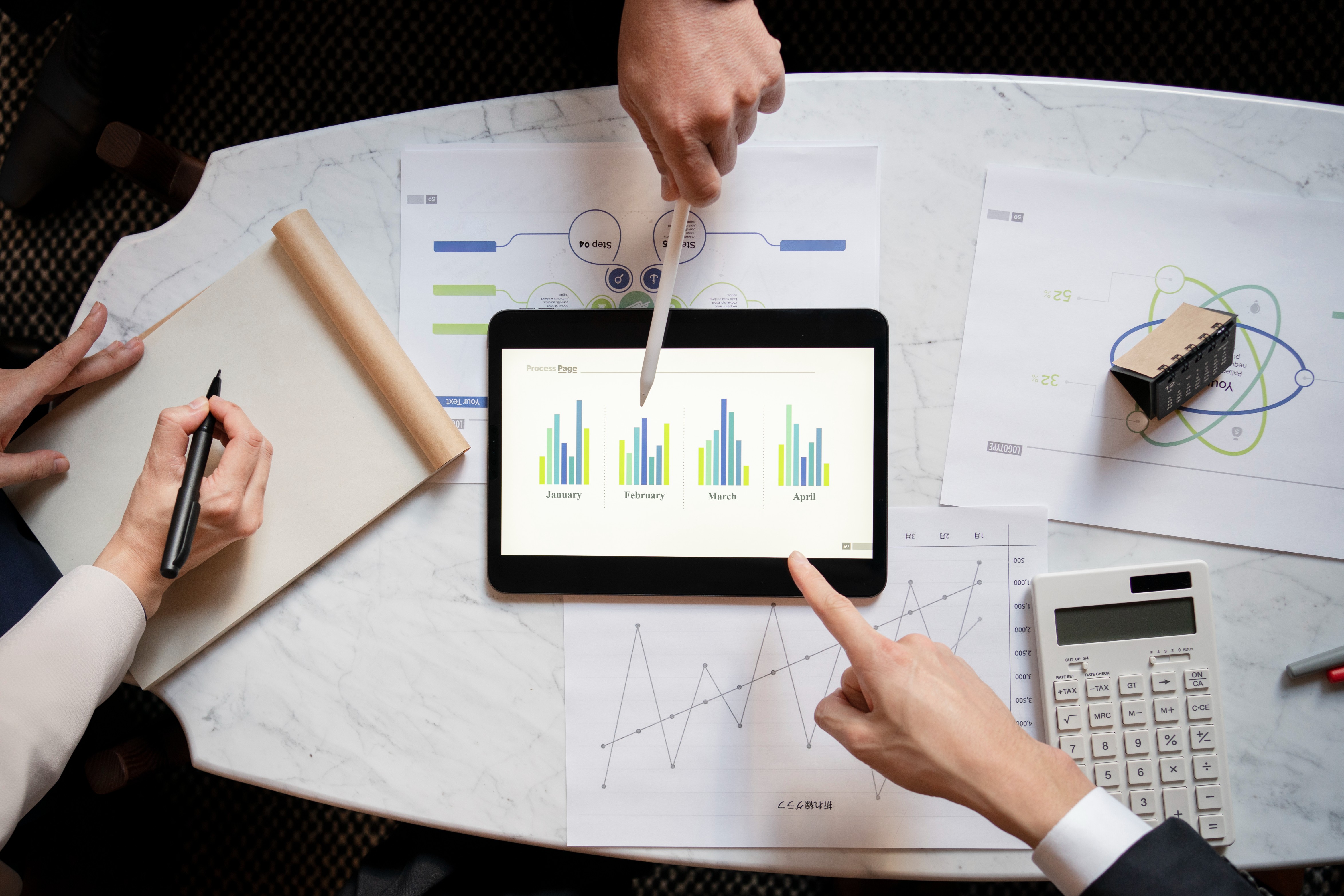
In today's fast-paced business environment, real-time decision-making isn't just a luxury—it's essential. While many organizations generate vast volumes of data, the real challenge lies in turning that data into timely, actionable insights. This is where Power BI's automated alerting system becomes a game-changer.
Still relying on manual report checks? You're likely missing critical performance signals that could cost you revenue, customers, and momentum. With Power BI dashboards, you don't just visualize your data—you put it to work for you.
The Hidden Cost of Missed KPIs
Even the most advanced Power BI reporting system can fall short if no one notices a critical change in time. Delayed reactions to business signals can cause:
- Lost Revenue: Unnoticed dips in sales due to missing KPI alert thresholds.
- Operational Bottlenecks: Hidden process inefficiencies that slow down output.
- Customer Attrition: Buried engagement drops that lead to churn.
- Compliance Failures: Regulatory penalties due to untracked violations.
By the time someone spots the issue in a monthly summary, it's too late. Automated alerts in Power BI dashboards eliminate that risk.
What Are Power BI Alerts—and How Do They Work?
Power BI alerts are intelligent, customizable rules you can set on your dashboard visuals. When a key metric crosses a defined limit—be it a sudden drop, spike, or trend deviation—Power BI's notification engine alerts relevant users instantly.
Features That Set Power BI Alerts Apart
- Real-Time Monitoring: Continuous scanning of data against rules in your dashboard monitoring tools.
- Proactive Decision-Making: No more waiting for reports—react instantly to changes.
- Customizable Triggers: Alerts based on static thresholds, dynamic KPIs, or data anomalies.
- Multi-Channel Notifications: Get real-time alerts via email, Microsoft Teams, or integrated apps.
- Workflow Integration: Seamlessly connect to Power Automate for task escalation, issue tracking, or reporting.
Whether you're in marketing, finance, HR, or manufacturing, this kind of predictive alerting in dashboards keeps your business agile and responsive.
How Knowledge Excel Helps You Build Intelligent Alerts
At Knowledge Excel, we don't just offer Power BI consulting—we build solutions that think for you. Here's how we help you leverage the full power of alert automation:
Smart KPI Strategy
We collaborate to identify high-priority KPIs—from sales to compliance—and define meaningful alert conditions.
Custom Alert Configuration
Set trend-based, anomaly-based, or static triggers on key metrics like:
- Sales performance dips
- Inventory threshold breaches
- Budget overruns in departments
- Sudden spikes in customer support tickets
Business Tool Integration
We integrate Power BI alerting systems with Microsoft Teams, Outlook, Slack, CRM, and ERP platforms—so the right team gets the right alert at the right time.
Action-Driven Dashboard Reporting
Move beyond static visuals—design dashboards that monitor, alert, and trigger workflows automatically using BI reporting alerts.
Secure & Scalable Design
From startups to enterprises, our Power BI services are built to scale and adhere to strict data governance and compliance standards.
Real-World Use Cases for Power BI Alerts
- Retail: Get notified when store-wise revenue drops below forecast.
- Manufacturing: Automate alerts when sensor data signals machine issues.
- Finance: Trigger an alert when any department exceeds 80% of budget.
- Marketing: Get instant alerts on campaign underperformance.
- HR: Receive early warnings for employee attrition risks based on engagement data.
In each of these examples, real-time business intelligence enables proactive action instead of reactive recovery.
Why Businesses Trust Knowledge Excel for Power BI Consulting
- Certified Power BI Professionals with deep domain expertise
- End-to-End Power BI Services: From dashboard design to data alert automation
- Hands-Free Monitoring: Let automation detect issues while you focus on decisions
- Ongoing Optimization: Alerts evolve with your business KPIs and strategic goals
Don't Just Visualize Data—Respond to It
With Power BI's alert system, your dashboard becomes a command center. It does more than display information—it tells you when to act, why to act, and how soon to act. It's time to make your business intelligence truly intelligent.
Ready to turn your Power BI dashboard into a real-time alert system? Contact KnexBI today and let's build a Power BI solution that ensures you never miss a beat.






